10 sites you should know if you're a frontend developer
The world of frontend is something wonderful. With just a little HTML, CSS and JavaScript you can take any idea to a corner of this digital world called the Internet.
The world of frontend is something wonderful. With just a little HTML, CSS and JavaScript you can take any idea to a corner of this digital world called the Internet. The first time you develop a website and see how thousands of people use it has something magical about it. It's no doubt a superpower we all should have. However, at the beginning, learning about layout, styles, design patterns, formats, resources, etc., can get complicated.
So if you're starting your path to become a frontend developer, or you've been at it for a while, let me recommend 10 sites that will make your life easier and make you a much better frontend developer.
FontPair
Choosing a font for your projects can always be tedious. The typical thoughts: "Should I use Serif or Sans Serif? It would surely look good with Comic Sans, it never fails." Please never do the latter (¬_¬).
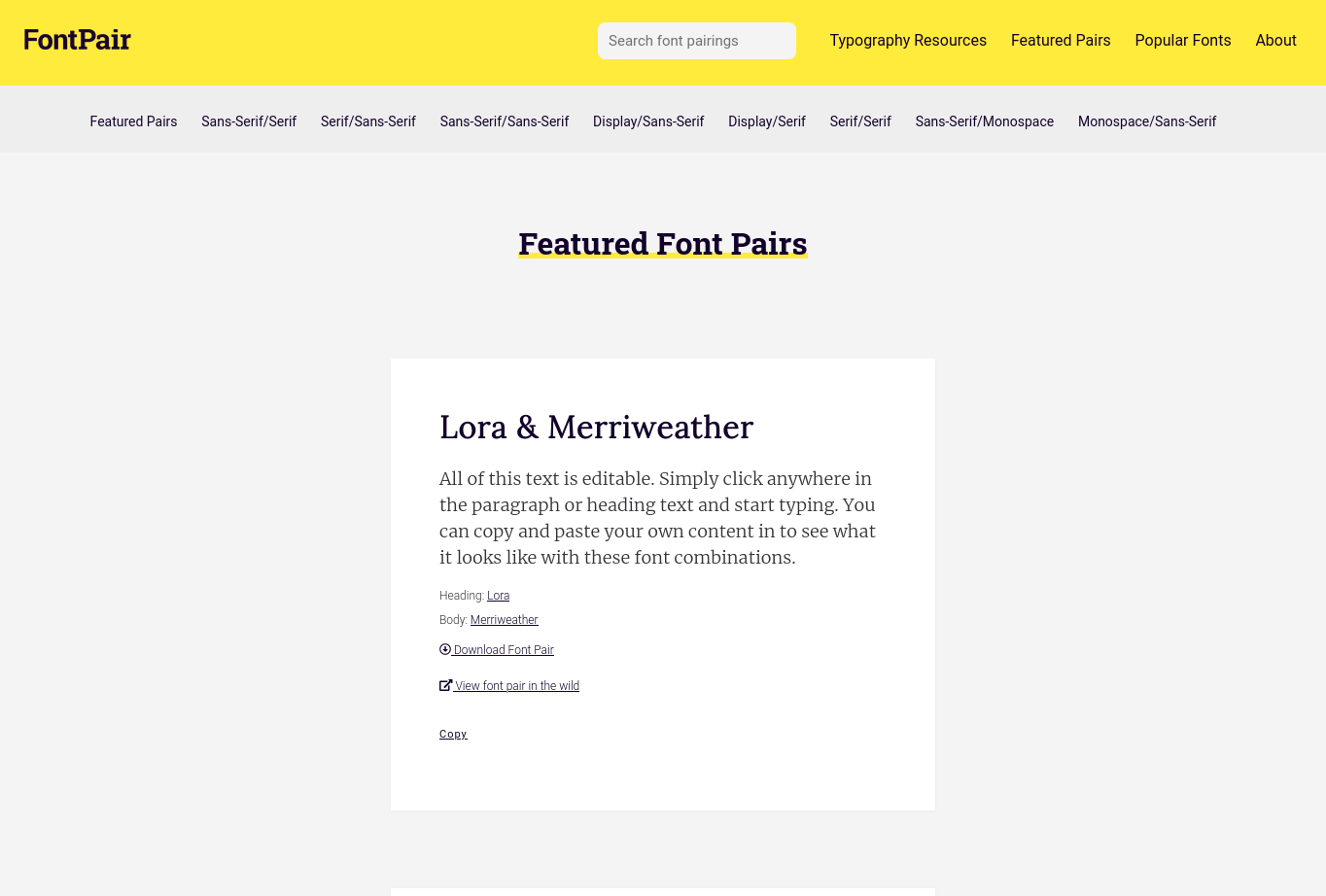
To solve this problem I present FontPair. This site blew my mind when I found it. It shows you the most used fonts on the Internet, their uses and even combinations for headings and body. Plus it takes you straight to Google Fonts to pick the font types it recommends. Choosing a style is much easier thanks to this tool.
✅ Pro tip: Spend some time learning about typography. It's not just about looking pretty. The typeface you choose can make a big difference.
Can I Use
It's normal for the CSS properties or HTML tags you use to be incompatible with some browsers (Yes, I'm looking at you Internet Explorer). To check compatibility of your CSS and HTML and make sure nothing in your layout breaks, use Can I Use. It quickly checks whether properties like flexbox are supported in classic desktop browsers like Chrome, down to default mobile browsers from unknown brands. The great thing about this site is that if your property or tag isn't supported, it gives you recommendations and documentation to make it partially work.
Coolors
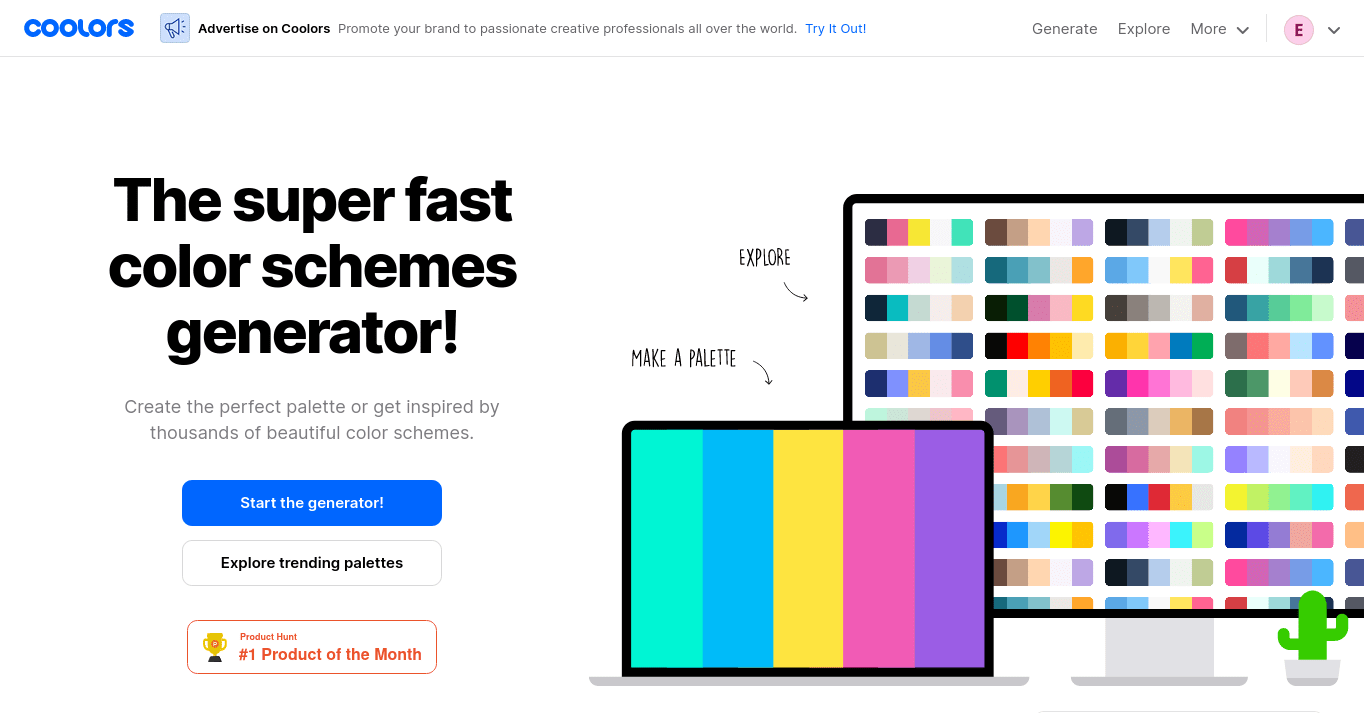
Definitely one of my favorites and one of the most fun to use is Coolors. With a few taps on your spacebar it creates cool color palettes and you pick the colors you like as you go. It also has hundreds of palettes made by its community. Want more? You can export those palettes straight to CSS or SASS. 🤩
Egg Gradients
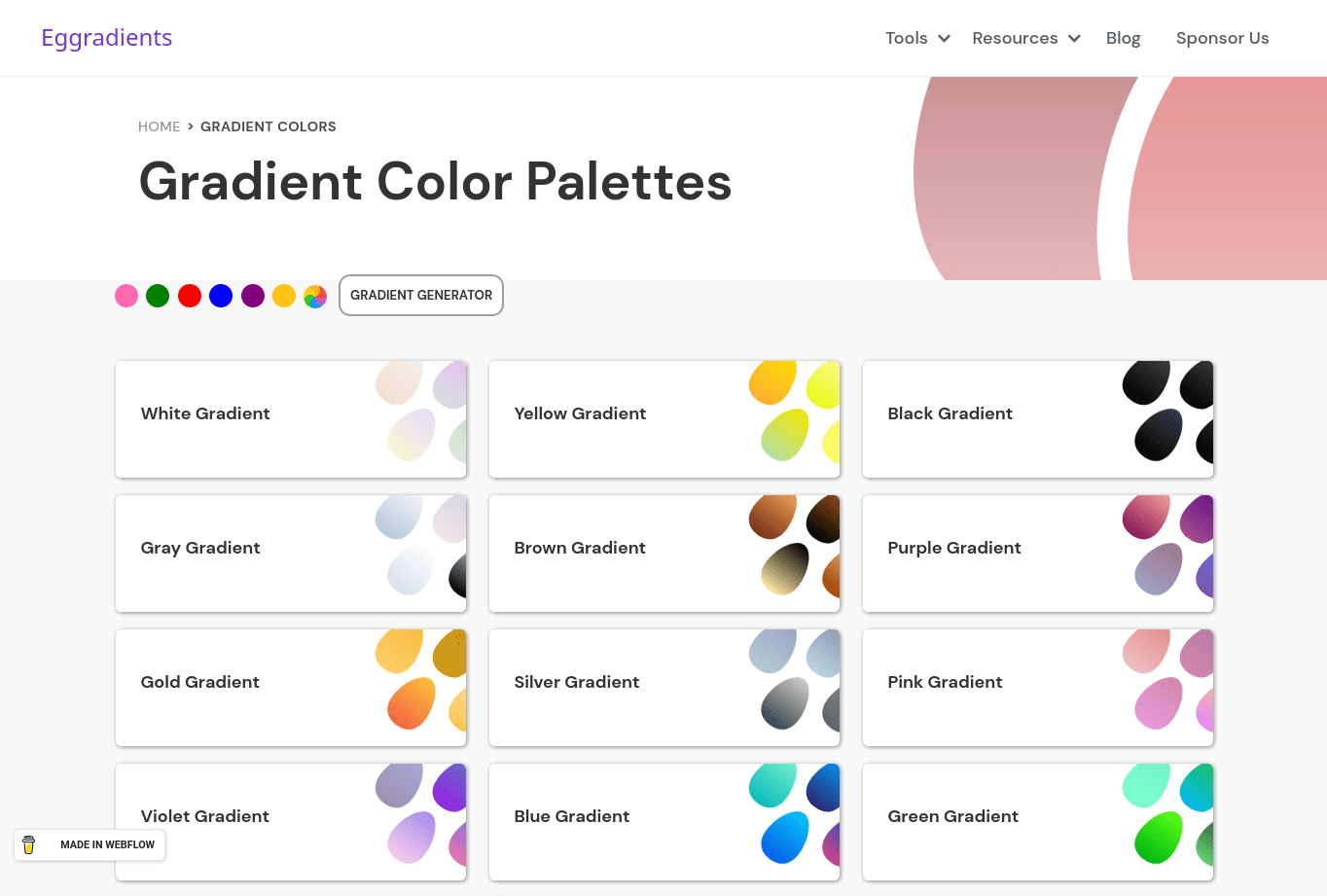
Let's get fancy. Gradients have been a resource that has shaped web design and digital products in general. If you don't know how to create one or need inspiration, we have Egg Gradients. It has a gallery with many egg-shaped gradients classified by color. If you're not satisfied, it also has a gradient generator that lets you copy the code straight into your project.
CSS-Tricks
A place where you'll find everything you want to know about CSS with great articles, tutorials and the best-explained graphics. It has one of the best guides on flexbox and grid on the whole Internet. You should check it out—they just revamped their whole site design. 😉
Freepik and Flaticon
Well, these are basically two sites but who cares ¯\(ツ)/¯. If you've ever had trouble finding good icons or illustrations for your web, both Freepik and Flaticon have you covered. Each respectively offers a huge—seriously huge—amount of graphic resources: illustrations, backgrounds, icon packs, etc. Most are fully editable. On Freepik, resources have a certain daily download limit so choose wisely what you'd like to have. Always remember to credit the author.
Unsplash
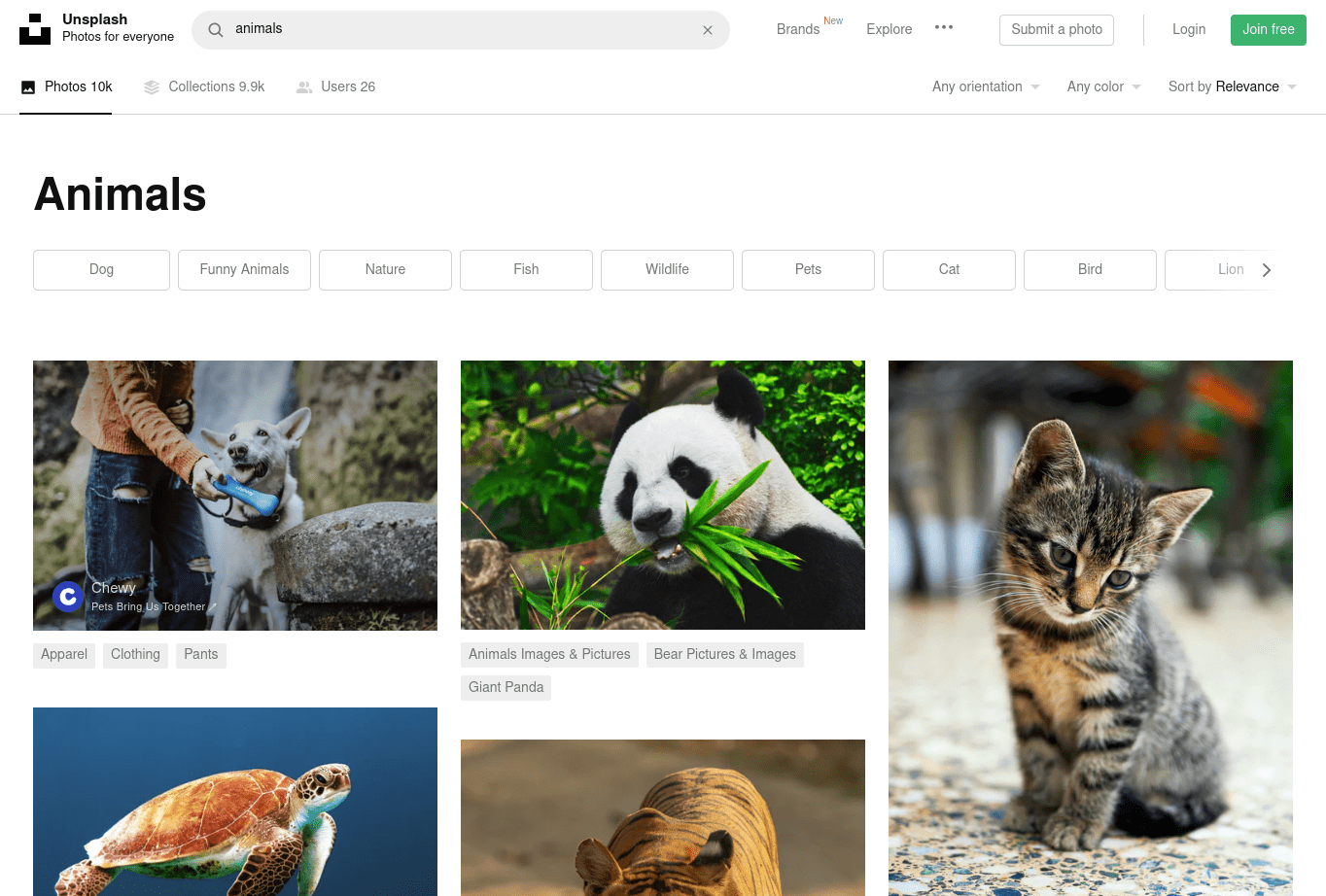
Whether you want amazing images for your web or a new wallpaper, Unsplash is the ideal site. The best part? It's completely free! Download beautiful high-quality images with complete freedom. Whatever you want, I bet it's on Unsplash: cats, dogs, nature, people, products, places, etc. They also have a nice API to consume all their images with various filters. The only thing you can't do is resell their photos or stockpile them to create a similar site like a Clonsplash.
Smashing Magazine
If you want to stay on top of the latest in web development and be saying to your friends "that is so hot right now 🔥" Smashing Magazine is the place.

Smashing Magazine is a site where you'll find the latest trends in web development, tips, tutorials and resources from professionals around the world. The coolest thing is they have their own publishing arm with books that are real gems. Plus every month they publish wallpapers with a calendar so you can schedule all your coding hours.
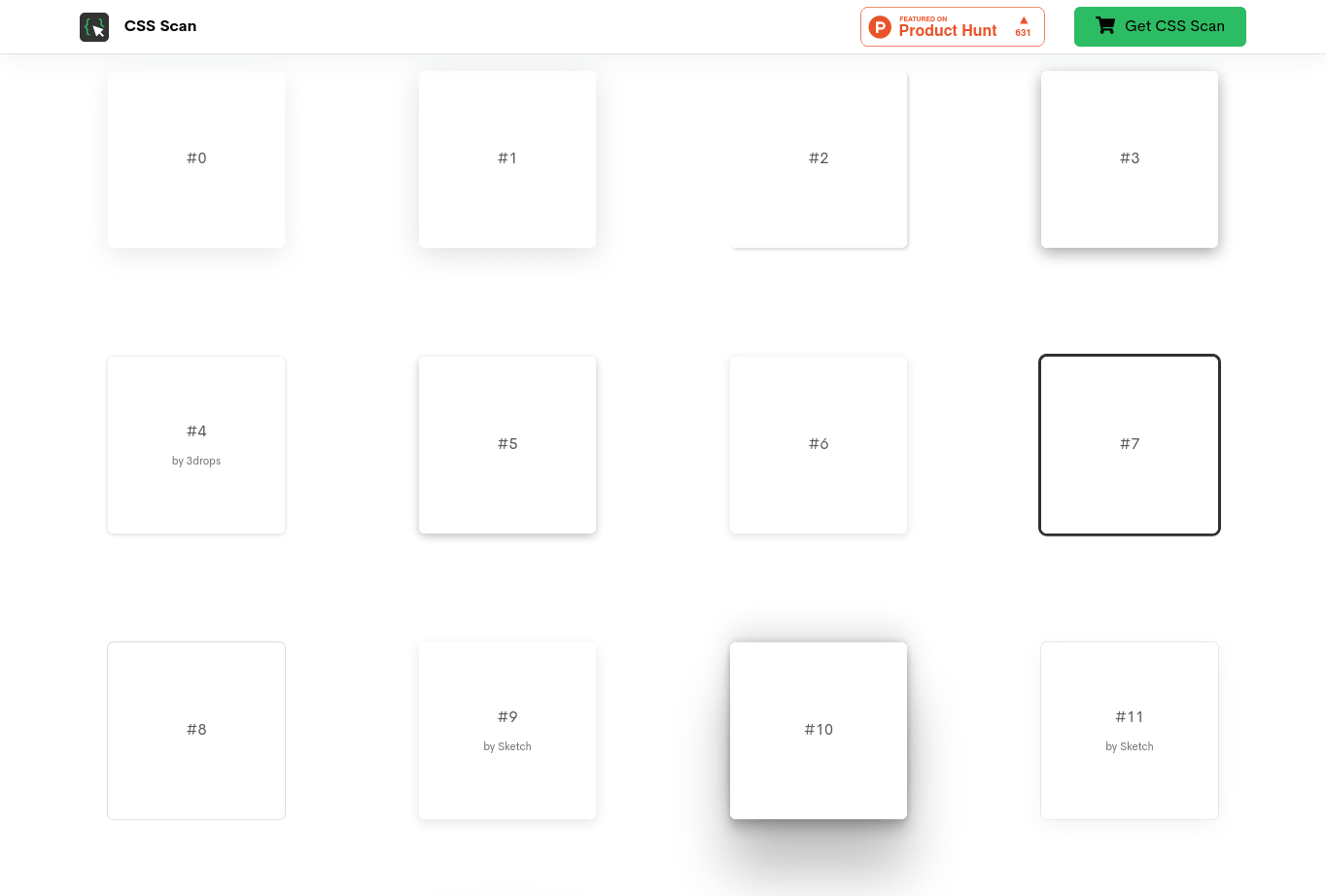
Beautiful CSS box-shadow examples
This page is a collection of over 85 shadow effects for your components. It's a fully curated list of the best sites and effects from Sketch to Stripe. It's a very useful resource if you need inspiration or want to achieve a similar style.
Browser Stack
If you're like me and don't have a Mac Pro and would like to keep your kidney while testing your web pages on Safari without having to buy one, I have the solution for you. Browser Stack is a site that lets you test your website on many real devices, from different versions of macOS to iPhones. It has a one-minute trial per version and device daily but it's enough if you want to inspect a bug. Their prices are affordable compared to buying Apple hardware.
I'm sure these sites will help you along your path as a frontend developer. Which was your favorite? Do you know any others that are useful? Leave them in the comments. I'd love to read you and learn from you. 😄